The electronic signature app
that stays on your phone.
Most e-signature services want you to create an account, upload your document to their servers and pay a monthly fee to send it for signing. If you just need to sign what someone sent you, eSign is a lot simpler.
Updated By Alina Bohuslavska, maker of eSign
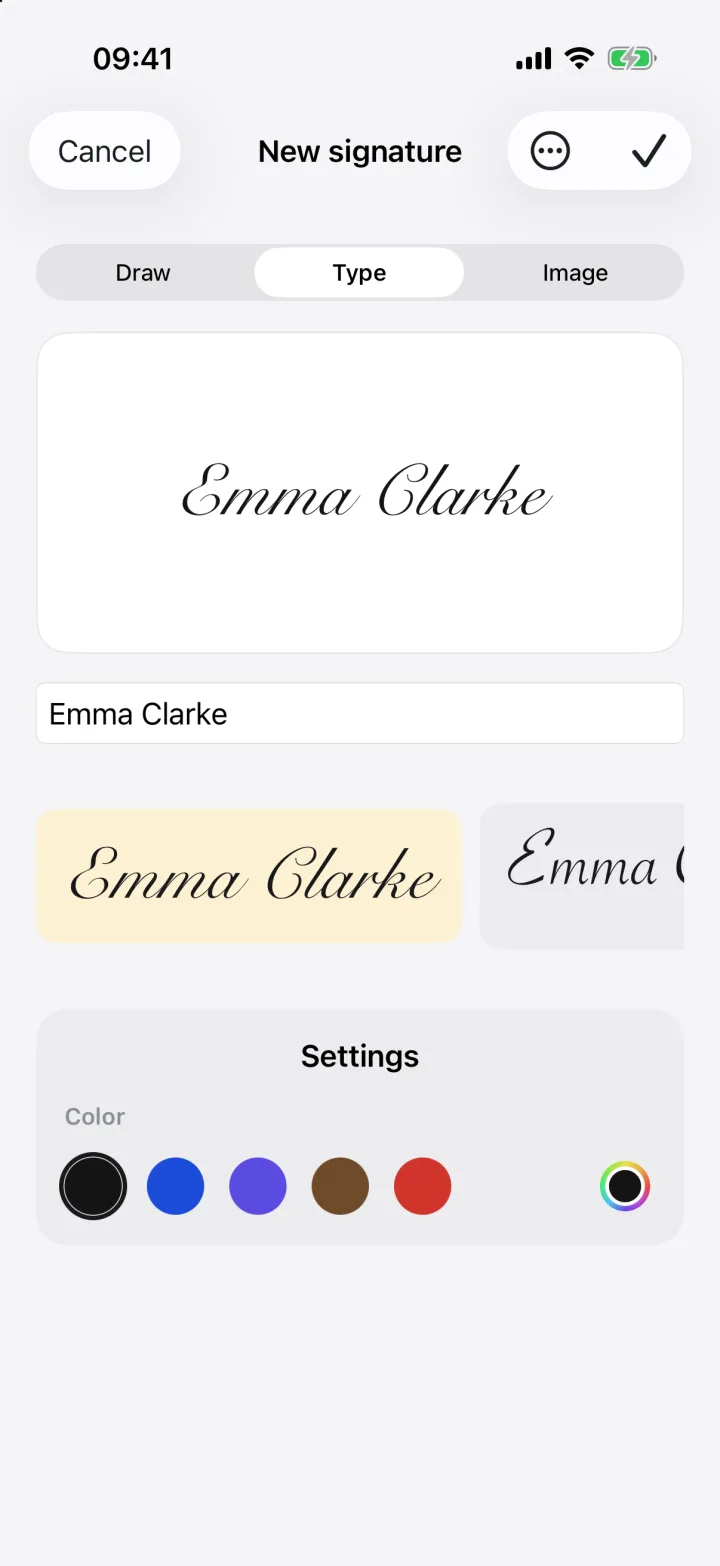

eSign is an electronic signature app for iPhone, iPad and Mac. You sign PDFs and forms directly on your device and share the result as a PDF. There's no account, nothing is uploaded, and you can start for free.
How e-signing works in eSign
- 1
Create your signature once
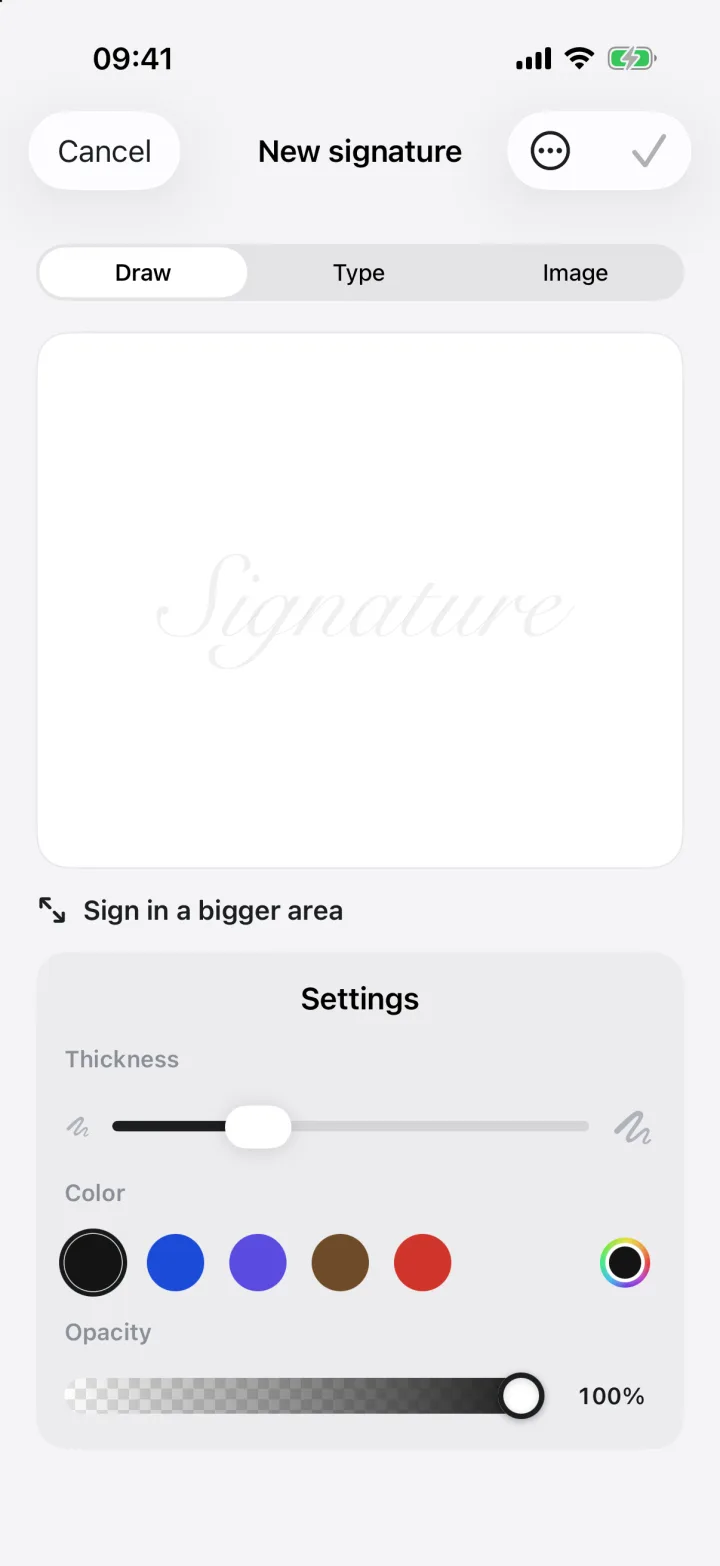
Draw it with your finger, type your name in a handwriting font, or scan the signature you already use on paper.
- 2
Open what you need to sign
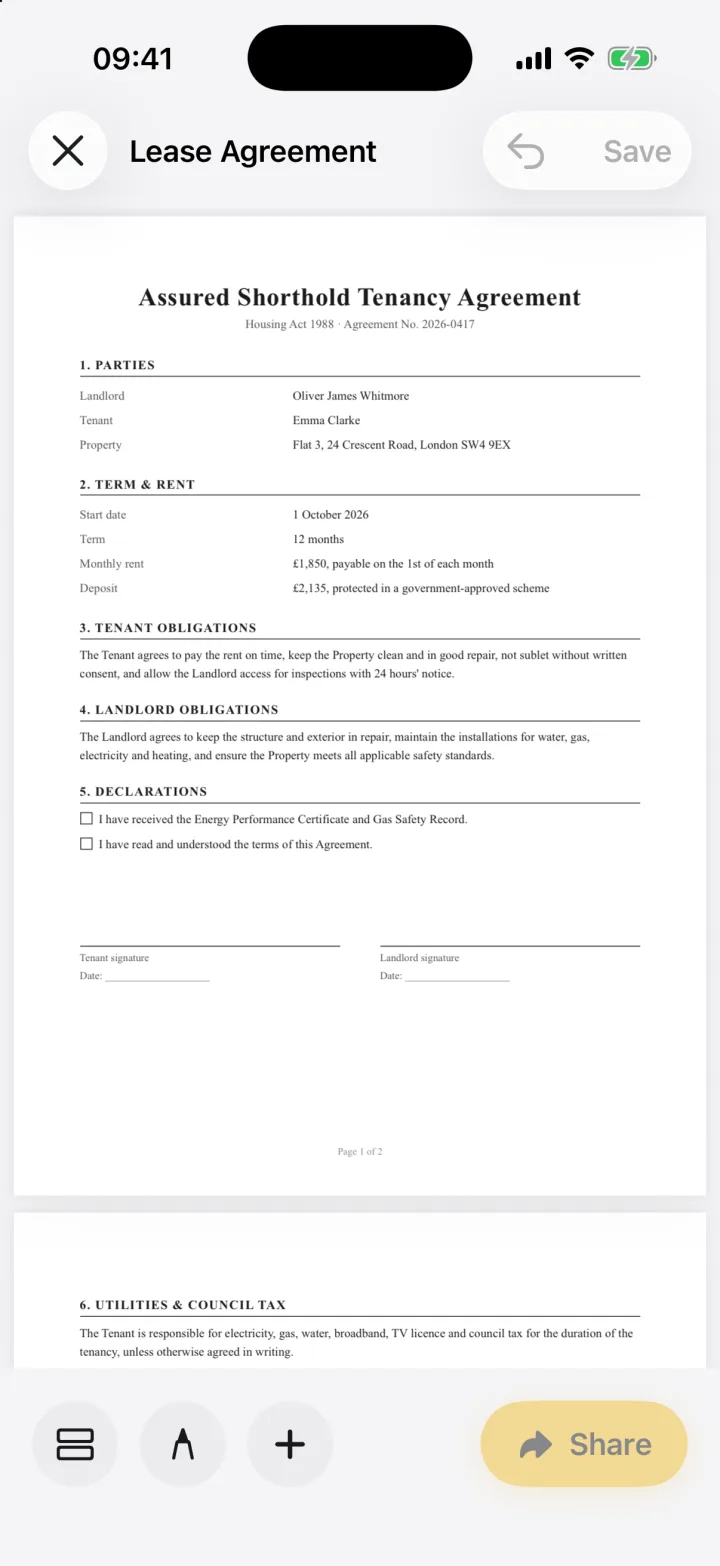
PDFs, Word files, photos and camera scans all open as a signable document.
- 3
Sign and send
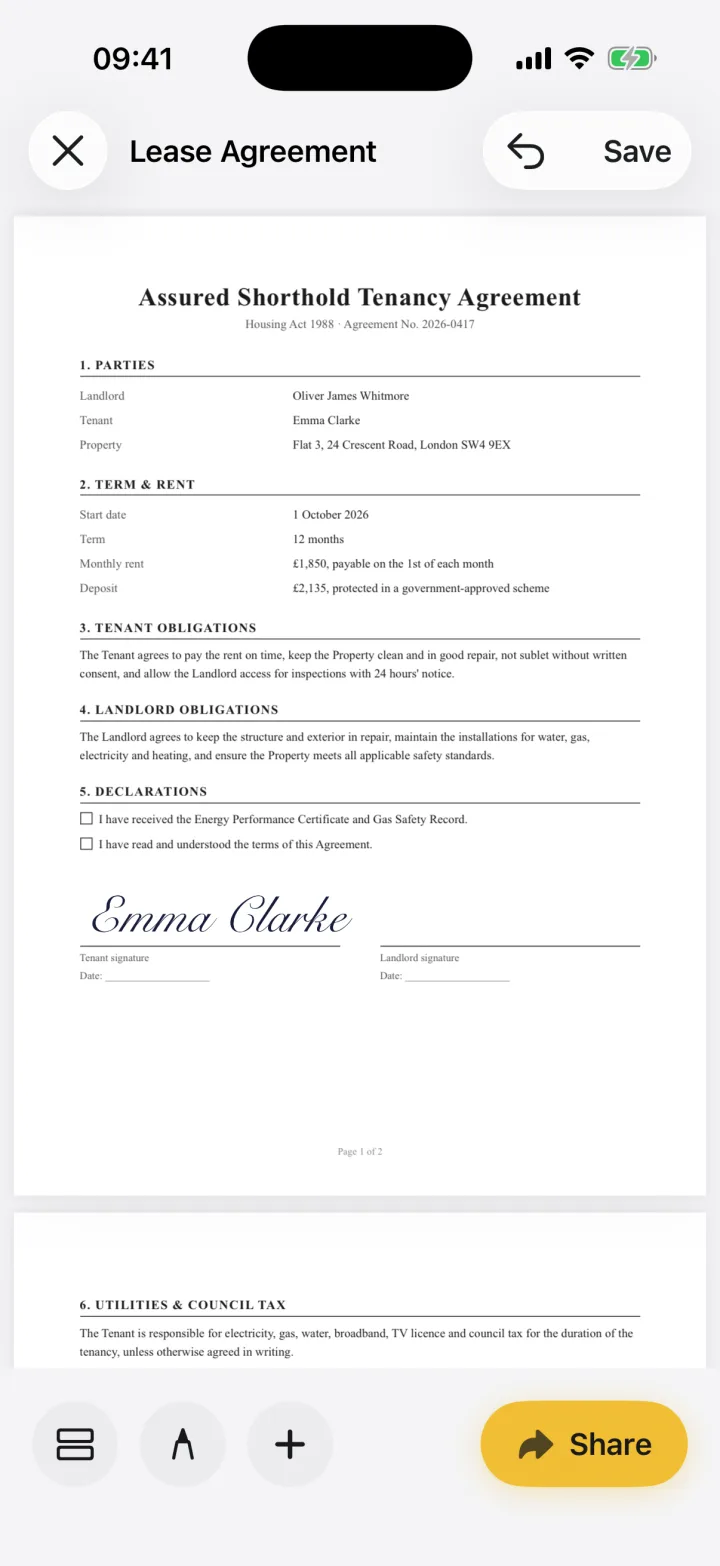
Drop your signature on the line, fill in anything else, and share a PDF.
Who eSign is for
eSign is built for the person who receives documents: tenants, freelancers, new hires, parents, small business owners. You sign what you've been sent and send it back.
If you need to send a document to several people, collect their signatures in order and keep a court-ready audit trail, a workflow service like DocuSign is the better fit. Many people use both: a service at work, and eSign for everything else.
What makes it different
- No account or email sign-up
- Documents stay on your device; nothing is uploaded
- Works offline
- Fills flat PDFs and scans, not just fillable forms
- One purchase covers iPhone, iPad and Mac
Is an electronic signature legally binding?
In many countries, including the US, UK, Canada, Australia and the EU, the law recognises electronic signatures for most everyday agreements. Some documents, such as wills or certain property deeds, still need a handwritten or certified signature. eSign does not verify identity or provide certificate-based signatures, so check what the other party and your local law require for important documents.
Common questions
Is eSign free?
You can sign and share your first documents for free. eSign Pro unlocks unlimited signing.
Do I need an account?
No. eSign works without an account, email or password.
Can I send a document to someone else to sign?
eSign is for signing documents yourself. You can share the signed PDF with anyone, and they can sign it with any app they like.
Keep reading
Ready when the
next one lands.
Free to try · No account needed