Signature maker for iPhone, iPad & MacNever print
a contract again.
Sign PDFs, fill in forms and send them back in seconds, right from your phone. No printer, no scanner, no account.
Free to try · Works offline
Made for the paperwork that can’t wait
- Lease agreements
- NDAs
- Offer letters
- Invoices
- Permission slips
- Sales contracts
- Medical forms
- Delivery notes
- Freelance contracts
- Rental applications
- School forms
- Purchase orders
- 15file types open as a signable PDF
- 32languages in the app
- 0documents uploaded to our servers
- 1purchase for iPhone, iPad and Mac
Sign. Seal.
Send.
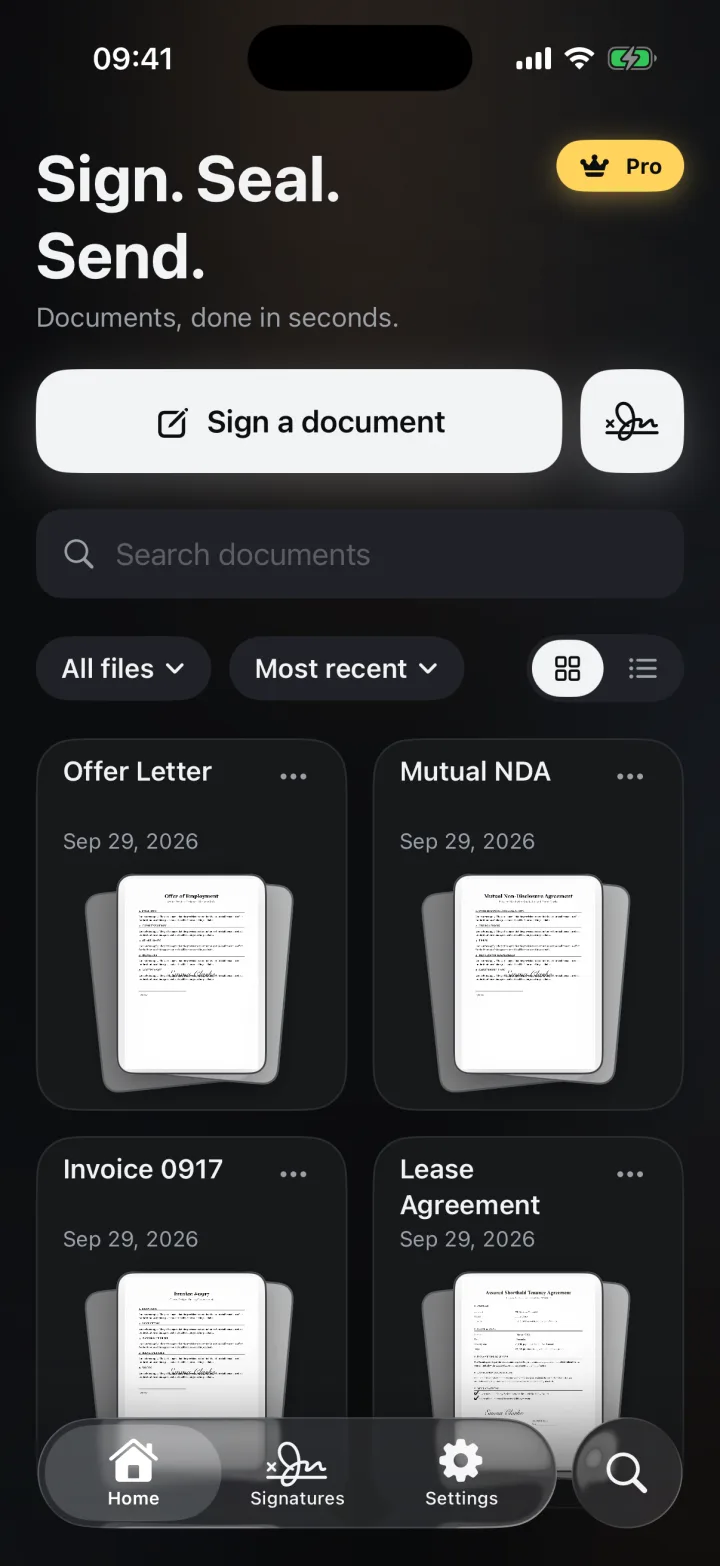
Everything you need to finish paperwork on your phone, and nothing you don't.
Close the deal
from anywhere.
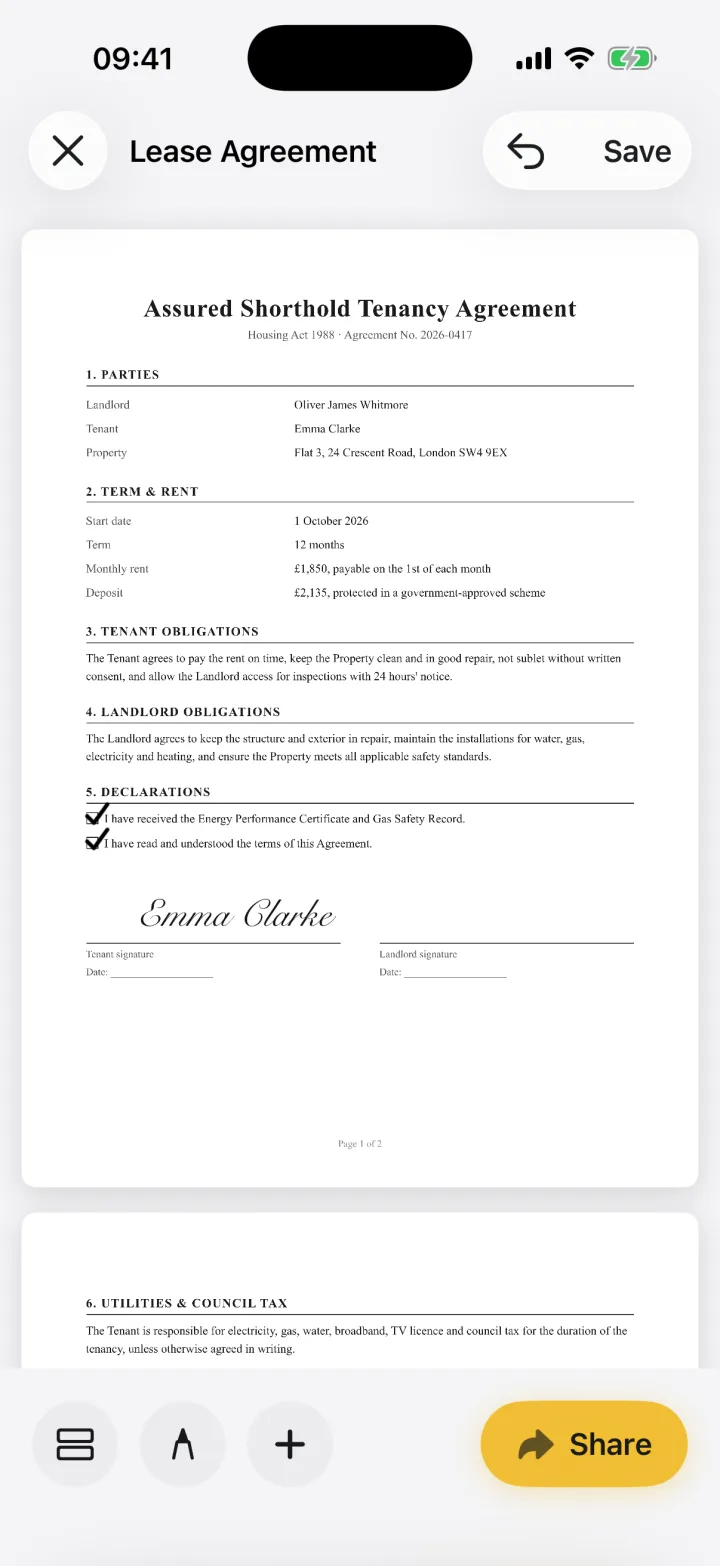
Open the document, drop your signature on the line and send it back. It takes less time than finding a pen.
Paperwork done
in minutes.
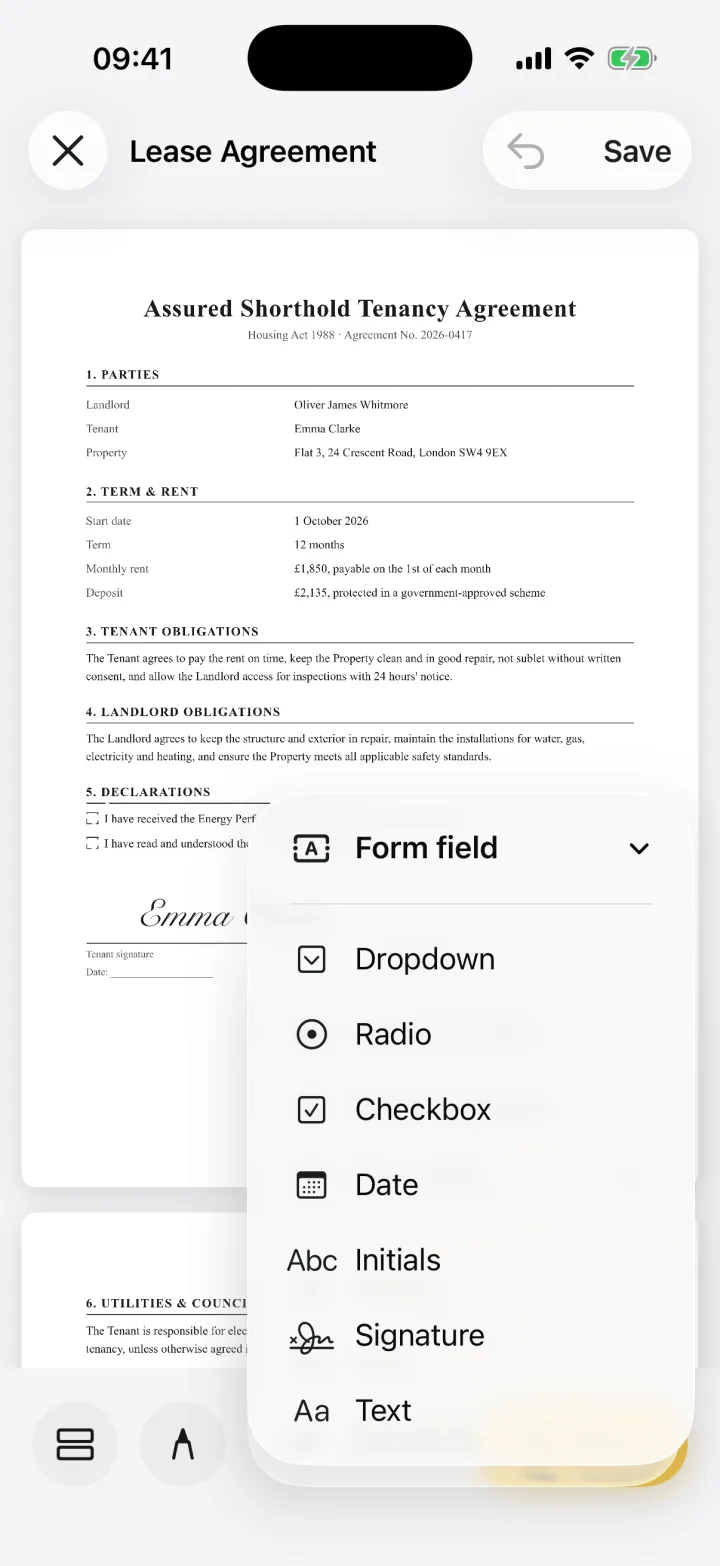
Text, dates, checkboxes, dropdowns, initials. Tap where a field goes and type. Save your details once and autofill them next time.




A signature
you're proud of.
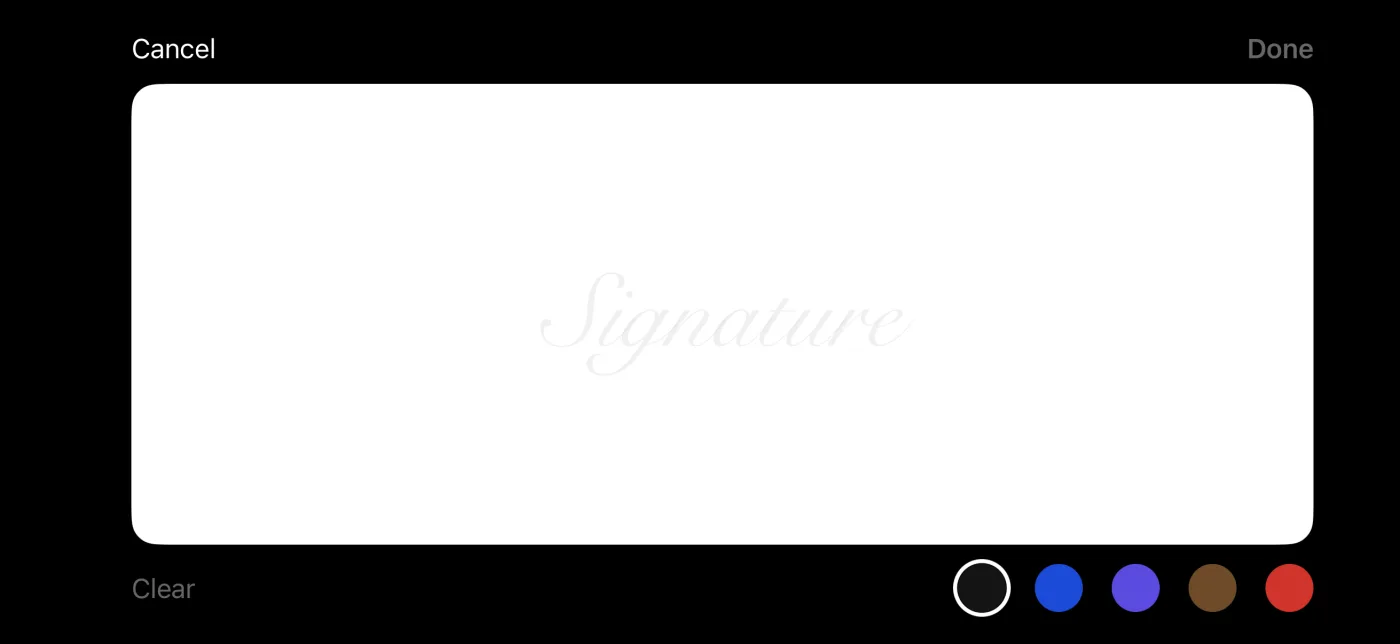
Turn your phone sideways for room to sign properly. Draw it, type it, or pick an ink colour that matches your pen.
 Emma Clarke
Already signed
on paper?
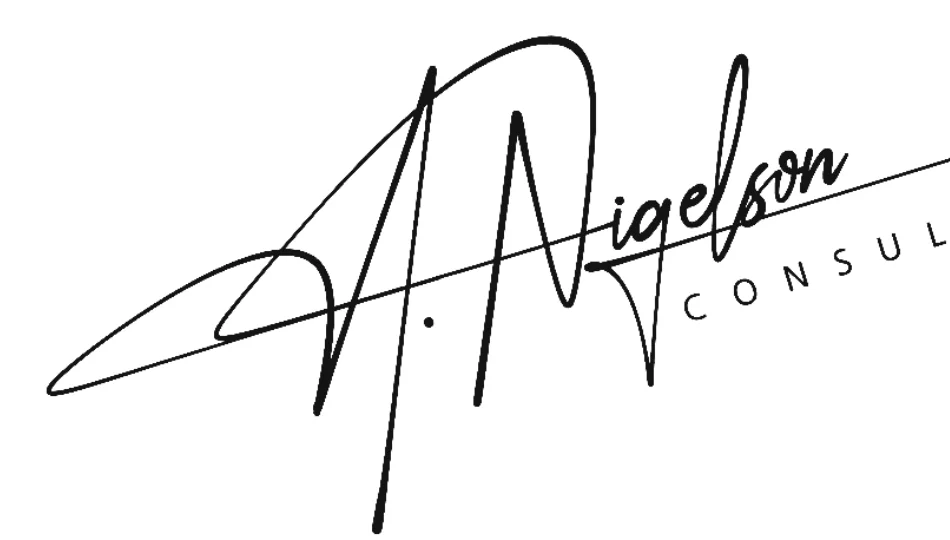
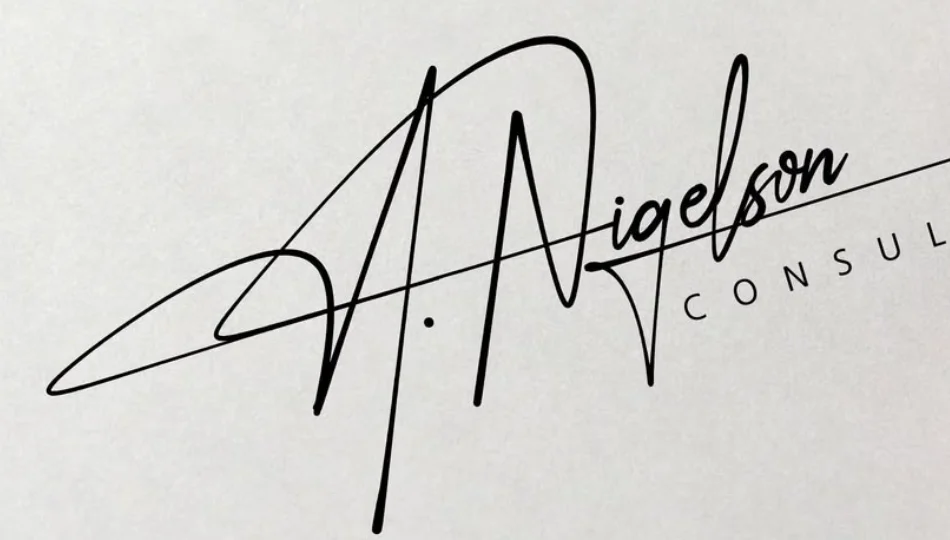
Take a picture of your signature and eSign lifts it off the page, background removed, ready to drop onto any document. Drag the slider to see it.
No scanner.
No printer.
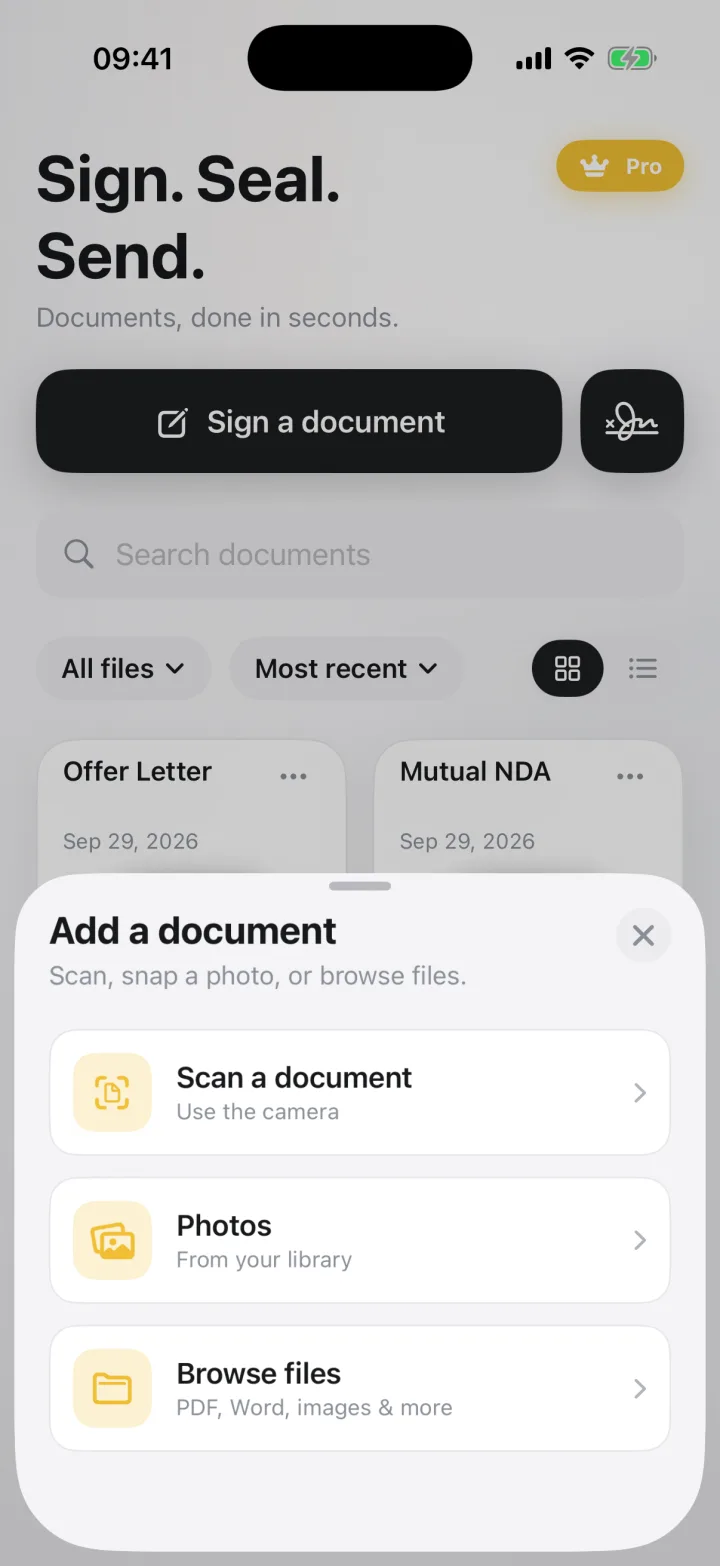
Scan paper with the camera, pick a photo, or open the PDF, Word or Pages file someone sent you, straight from Mail, Files or the share sheet.
Easy on the eyes,
day or night.
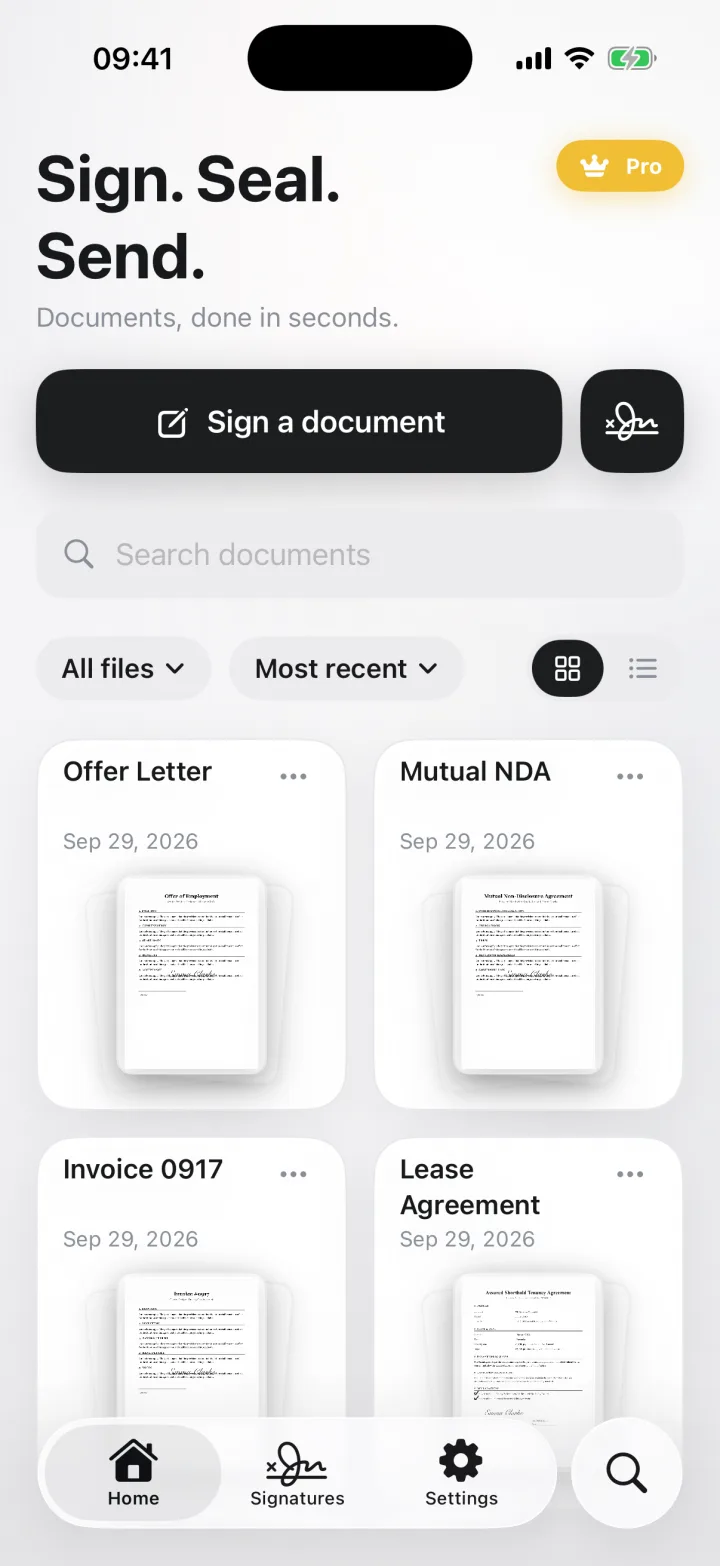
A calm, uncluttered home for every document you’ve signed, in whichever look you prefer.
Three taps
from inbox to signed.
- 1
Open it
Scan the paper, pick a photo, or open the file from Mail, Files or any app.
- 2
Sign it
Place your signature, add the date, tick the boxes. Pinch to zoom in on the small print.
- 3
Send it
Share a finished PDF by email, Messages, AirDrop or straight to Files.
Whatever lands
in your inbox.
Files are converted to a signable PDF on your phone. Send back a regular PDF, a flattened final copy, or an image.
Documents
- Word (.docx)
- Rich text, plain text, HTML
Office & iWork
- Pages, Numbers
- Excel, PowerPoint
- Older .doc and .xls
Photos & scans
- Camera scans
- JPG, PNG, HEIC
- Multi-page TIFF
Spreadsheets, slides and iWork files open as a snapshot of their first page. For long workbooks or decks, export a PDF first.
Your documents
stay yours.
Contracts, IDs, medical forms. The things you sign are personal, so eSign keeps them with you.
No cloud
Your documents are stored on your iPhone, not on our servers. They only leave when you share them.
Done on your device
Signing, file conversion and background removal all run on the phone. It works on a plane, too.
No account needed
No sign-up, no email, no password. Open the app and sign.
Questions,
answered.
What is eSign?
eSign (Signature Maker: eSign & Form) is an app for iPhone, iPad and Mac that lets you sign PDFs and fill in forms on your device, then share them as PDFs. It opens 15 file types, including PDF, Word and photos, needs no account, and never uploads your documents.
Is eSign free?
You can sign and share your first documents for free. eSign Pro unlocks unlimited signing and every tool. Plans and current prices are shown in the app before you pay.
Do I need to create an account?
No. There's no sign-up, email or password. Open the app and start signing.
Where are my documents stored?
On your iPhone, iPad or Mac. eSign doesn't upload your documents anywhere; they leave your device only when you choose to share them.
Can I fill in forms, not just sign?
Yes. Add text, dates, checkboxes, radio buttons, dropdowns, initials and signature fields anywhere on the page, and save your details as an autofill profile so you don't type them twice.
What file types can I open?
PDF, Word (.docx), rich text and plain text, HTML, and images including HEIC and multi-page TIFF. Pages, Numbers, Excel and PowerPoint files open as a snapshot of their first page.
Does it work on iPad and Mac?
Yes. eSign runs on iPhone, iPad and Mac, with layouts designed for each screen. Pro is a single purchase that unlocks eSign on all your devices with the same Apple ID.
Your next signature
takes seconds.
For iPhone, iPad and Mac · One purchase, every device