The best free signature apps
for iPhone in 2026.
"Free" means different things in signature apps: free forever, free to sign but not send, a daily limit, or a seven-day trial. We've written this guide about our own app's competitors, so here's an honest breakdown of what you get without paying.
Updated By Alina Bohuslavska, maker of eSign
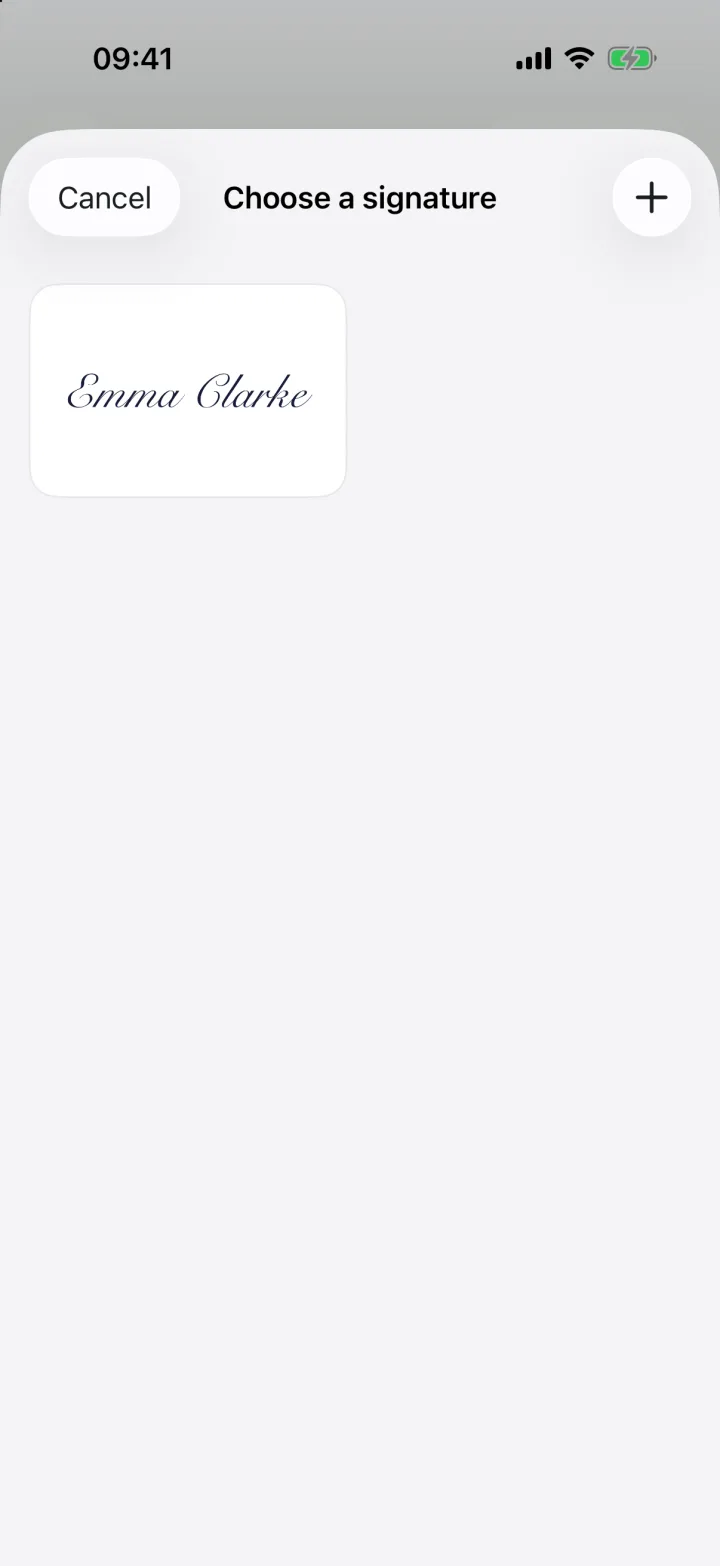

For a quick one-off signature, Apple's built-in Markup is free and already on your iPhone. For regular signing and form filling without an account, eSign is free to try. Acrobat Reader's Fill & Sign is free with an Adobe-centred workflow, and DocuSign is free for signing requests others send you.
1. Apple Markup (built in)
Free, no download, no account. Open a PDF in Files or Mail, tap Markup, and add text or a finger-drawn signature. In Files you can tap form fields to type and use AutoFill from your contact card.
Best for: an occasional signature. Limits: drawing only, no signature from a photo, and placing fields on flat PDFs is fiddly.
2. eSign
Free to try with no account; Pro removes the limit. Draw, type or scan your real signature (with the background removed), place text, date, checkbox and initials fields on any PDF, Word file or scan, and share a PDF. Everything stays on your device, on iPhone, iPad and Mac.
Best for: people who sign or fill documents regularly and want privacy. Limits: it's for signing yourself, not sending documents to others.
3. Adobe Acrobat Reader (Fill & Sign)
The Fill & Sign tool inside Acrobat Reader is free. It replaces Adobe's retired standalone Fill & Sign app. Premium features cost $12.99–14.99 a month.
Best for: people already using Adobe. Limits: a big app if all you need is a signature, and an Adobe account is used for cloud storage.
4. DocuSign
Signing a document someone sends you through DocuSign is free, and you don't need an account for that. The app itself needs an account, and the free account includes 3 sends before you need a plan (from $11/month billed yearly).
Best for: signing DocuSign requests and occasionally sending one. Limits: documents live in DocuSign's cloud.
5. Smallpdf
Free within a daily task limit, with a 7-day Pro trial. Smallpdf says basic signing works without an account.
Best for: an all-round PDF toolkit (convert, compress, sign). Limits: the daily cap.
6. SignNow and SignEasy (trials)
Both offer 7-day free trials rather than a free tier. SignNow's plans start at $8 per user per month billed yearly; SignEasy's at $99.99 a year. Both are geared towards sending documents and audit trails.
Prices and free-tier limits are from public App Store listings and vendor pages in October 2026 and can change.
Sources
Common questions
Can I sign a PDF on iPhone for free without an app?
Yes. Open the PDF in Files or Mail, tap Markup, and draw your signature. For neater signatures and form filling, a dedicated app like eSign is easier.
Which free signature app doesn't need an account?
Apple Markup and eSign both work without an account. Smallpdf says basic signing works without one too.
What happened to Adobe Fill & Sign?
Adobe retired the app and moved its features into Acrobat Reader.
Keep reading
Ready when the
next one lands.
Free to try · No account needed